


Do you have problems with your computer? We on Techno House are experts in repairing everything from fluid damage to advanced errors on the logic card. We repair both PC and Mac, regardless of model or brand, fast, safe and affordable.
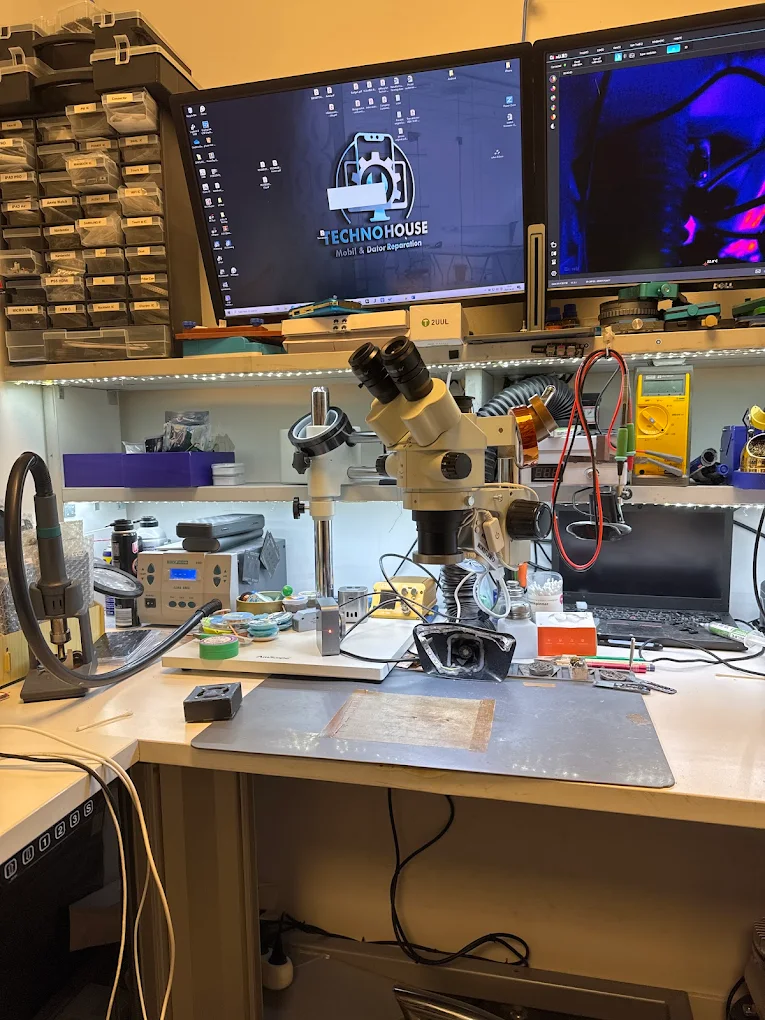
Whether you’ve spilled coffee on your laptop, if your computer refuses to start, or if it just behaves strangely, we have the knowledge and tools to troubleshoot and repair even the most complicated problems.
Common problems we fix:
liquid damage specialised in component level repair of logic cards
No power – troubleshooting of battery, power contact and motherboard
No background lighting A weak picture even though the computer is running? We fix it.
charging not Whether it is the battery or the charging circuit
Random crashes - often caused by moisture damage or incorrect cooling
Keyboard/trackpad problem common after spill
Other errors WiFi, Bluetooth, audio, USB ports and much more
Spill coffee or water on your laptop? Don’t worry we are specialists in liquid damaged computers and working on component levelThat means we repair instead of just replacing expensive parts.
Why are fluid damage so serious?
Many computers, especially MacBooks, have streamed circuits even when turned off. This means that as soon as fluid enters the computer, corrosion and short circuits begin. Within a few hours, important components can begin to be destroyed. Therefore, it is important to submit your computer as soon as possible.
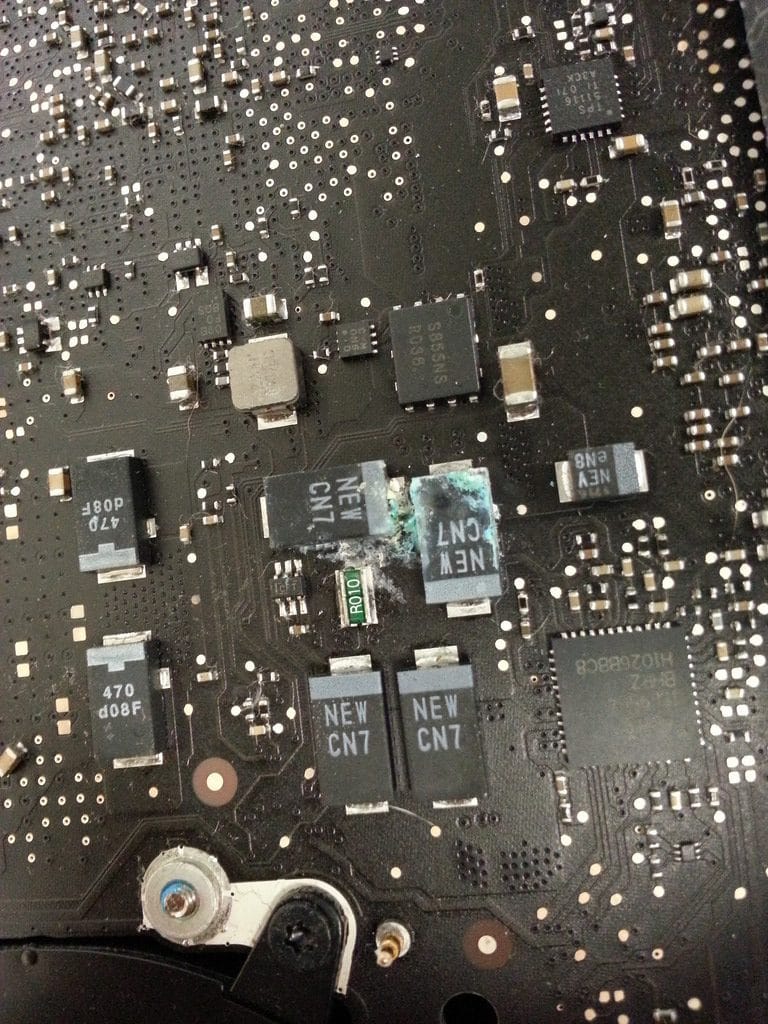
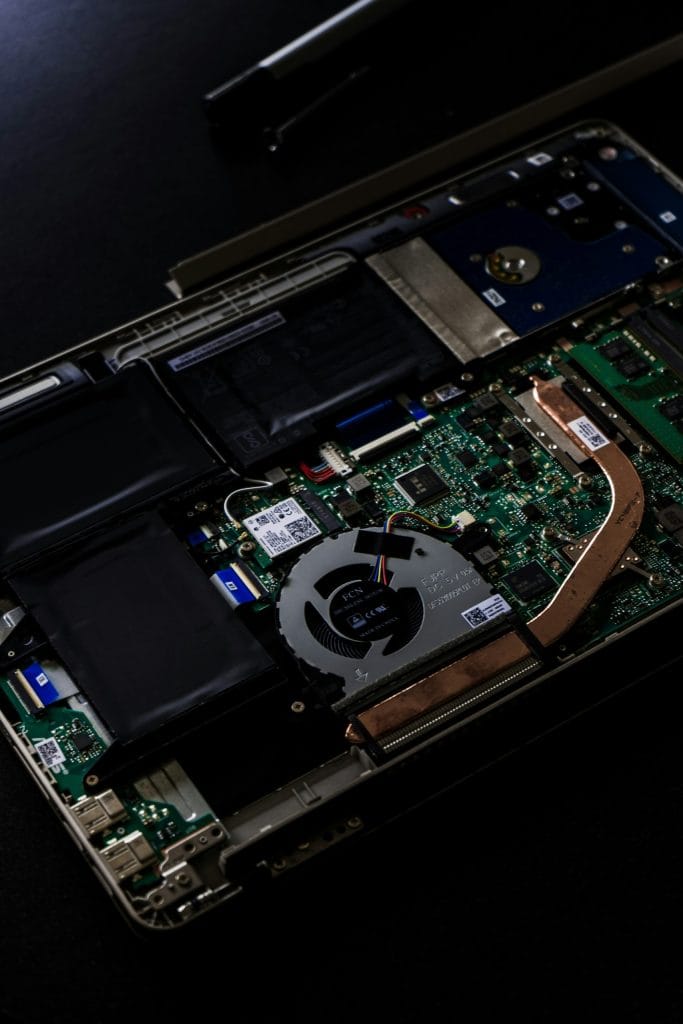
Unlike many workshops We don’t replace the whole motherboard – we repair it.. . We have the tools and skills to solder microscopic components, switch chips and save your computer to a fraction of the cost for a new card.
Common problems we get in and solve:
No reaction at all? It can be from battery or cable to a broken circuit on the motherboard.
Do you hear that the computer is running, but doesn’t see anything on the screen? Then it is probably the background light that is broken – commonly after fluid damage. We troubleshoot chips, drivers and leather if necessary for circuits.
If your Mac or PC does not charge, it may be due to either the battery or the logic card. We help you decide which and change the right component.
Does the computer freeze or shut itself off? On liquid computers, it is often corrosion under the RAM or CPU chip Which causes this. We can identify and fix it.
After spilling, it is common with dead keys or that the control plate stops working. We clean, replace damaged parts and test everything before returning.
No WiFi? Bluetooth from function? The sound away? There are many errors that are not visible right away, but we find them. Leave in or submit your computer and we do a thorough troubleshooting.
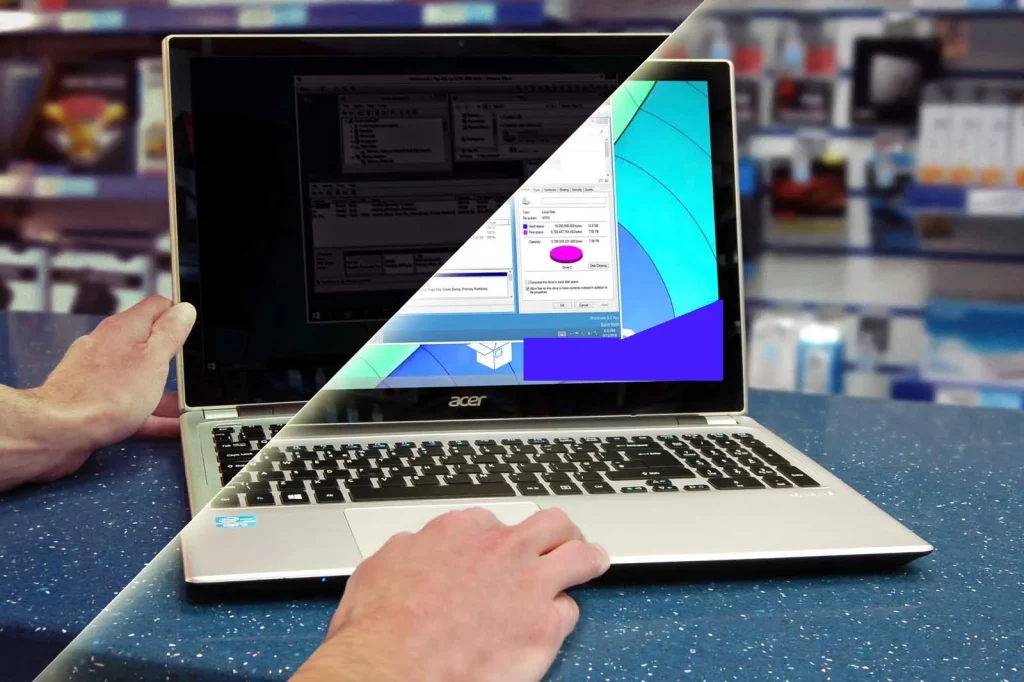
Do you hear the startup sound but don’t see anything on the screen? Try shining with a flashlight on the screen – seeing a weak image in the background, you probably have problems with background lighting.
This is a common error after fluid damage and is often caused by the LED lighting in the screen not getting power. In many cases, it is due to a broken backlight chip (driver circuit), or because corrosion has damaged the connections that lead power to the chip. The solution often requires advanced microflowing and repair at component level – something we are experts at.
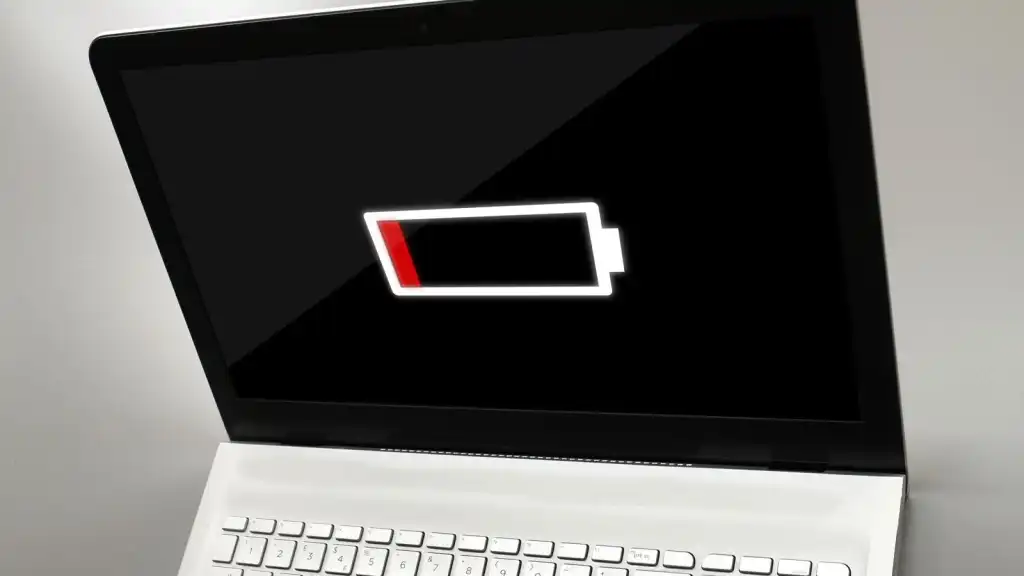
It is common for the device to stop charging after being exposed to liquid. The error may be due to either the battery or a problem on the motherboard (logic board).
👉 If the battery percentage shows more than 5%, it is usually a sign that the problem is in the charging circuit on the motherboard.
👉 However, if the percentage is 0% or 1% (or under 5%), it is more often about a defective battery.
We carefully troubleshoot and fix the error – whether it requires battery replacement or micro-leaning on the circuit board.
Does your computer crash without warning? Random crashes can be due to several different causes, but after fluid damage, the most common boven corrosion is under the CPU or RAM circuits.
Liquids that penetrate the computer can cause microscopic damage to the motherboard, causing instability and unexpected system failures.
💡 Worth knowing: Some MacBook models also have known design errors that can lead to similar problems whether they have been exposed to liquid or not.
We are specialists in troubleshooting and repairing these types of defects at the component level.
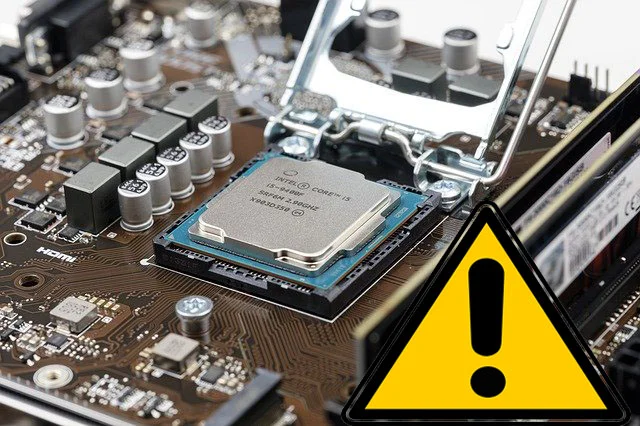
Do you have problems with WiFi, Bluetooth, audio or anything else that doesn’t feel right? Whether it’s a laptop, desktop PC or tablet – we’ll solve it.
Common problems we fix:
WiFi that doesn't find networks
Bluetooth that does not link
Audio ports or speakers that do not work
USB ports that stopped responding
Other unusual errors that require advanced troubleshooting
🛠️ We have the right tools and experience to find and fix even the most difficult to detect.
You don’t need to visit our store to get help. Safe and smooth repair by post. . Whether you live in another city or simply prefer to submit your device, we can help you remotely.
All you have to do is fill out our form, submit your mobile or tablet, and lean back the rest we take care of.
Here’s how to send your device to us:
Fill in the form Tell who you are and what device you want to repair.
Get a free quote We will contact you with price and instructions to submit your device.
Send your device Pack the mobile or tablet properly with at least 2-3 inches of bubble plastic around. Send without chargers or accessories and do not use a box you want back.
Follow the repair by email Repairs normally take 3-7 days. You receive an invoice on mail, and when the payment is registered, we will return your device.
Fill out the form to get a free quote on your repair. Fast and without obligations.
Here are the most common questions and answers about our repair services.
It is easy! Start by filling out our form so that we get your contact details and know what is wrong with your device. All information about address and shipping can be found on the page Contact contact. . Once you submit the form, pack your device properly and send it with any shipping company. Make sure the device is well protected with at least a few centimeters of bubble plastic or pack chips around. Do not send any accessories and do not use a box you want back.
It is hard to say before we have examined the device. The cost depends on the error type, model and year model. Many devices that come in need repair of motherboard due to random errors or fluid damage. We have fixed prices for motherboard repairs based on model and year. Once we have examined your device, we will contact you with an exact price task before we start repairing it.
Usually, repairs of motherboards and fluid damage take between 3 and 7 working days. Some simple repairs we can make the same day the device comes in. Sometimes we encounter more difficult errors that may take longer to fix.
We do not charge a fee for troubleshooting or repair if the device turns out to be unlawful. If it is not possible to repair or if it is not financially justifiable, we will notify you and return the device. You can only stand for the return shipping.
Almost everything! Examples of problems we address are:
The device does not start
It does not charge
Screen without background lighting
No picture appears
The Touch Screen does not work
liquid damage
Microliading of motherboard components
And more so don’t hesitate to hear from you with your problem, we’ll look at it.